All your media.
One box.
Films, shows, games, music, audiobooks, books, comics, manga — and anything else you can imagine, because an addon can add it.
One native app, on your desktop, your phone and your television.
Free and open source · v0.5.0
63
game systems
5
platforms, one codebase
All your media
one library

Video
Plays what other apps refuse to
Video runs on libmpv, the engine behind mpv. MKV, HEVC, AV1, AC3 — including large files streamed rather than copied first. Subtitles, per-file resume, and a chapter-aware skip for intros and recaps.
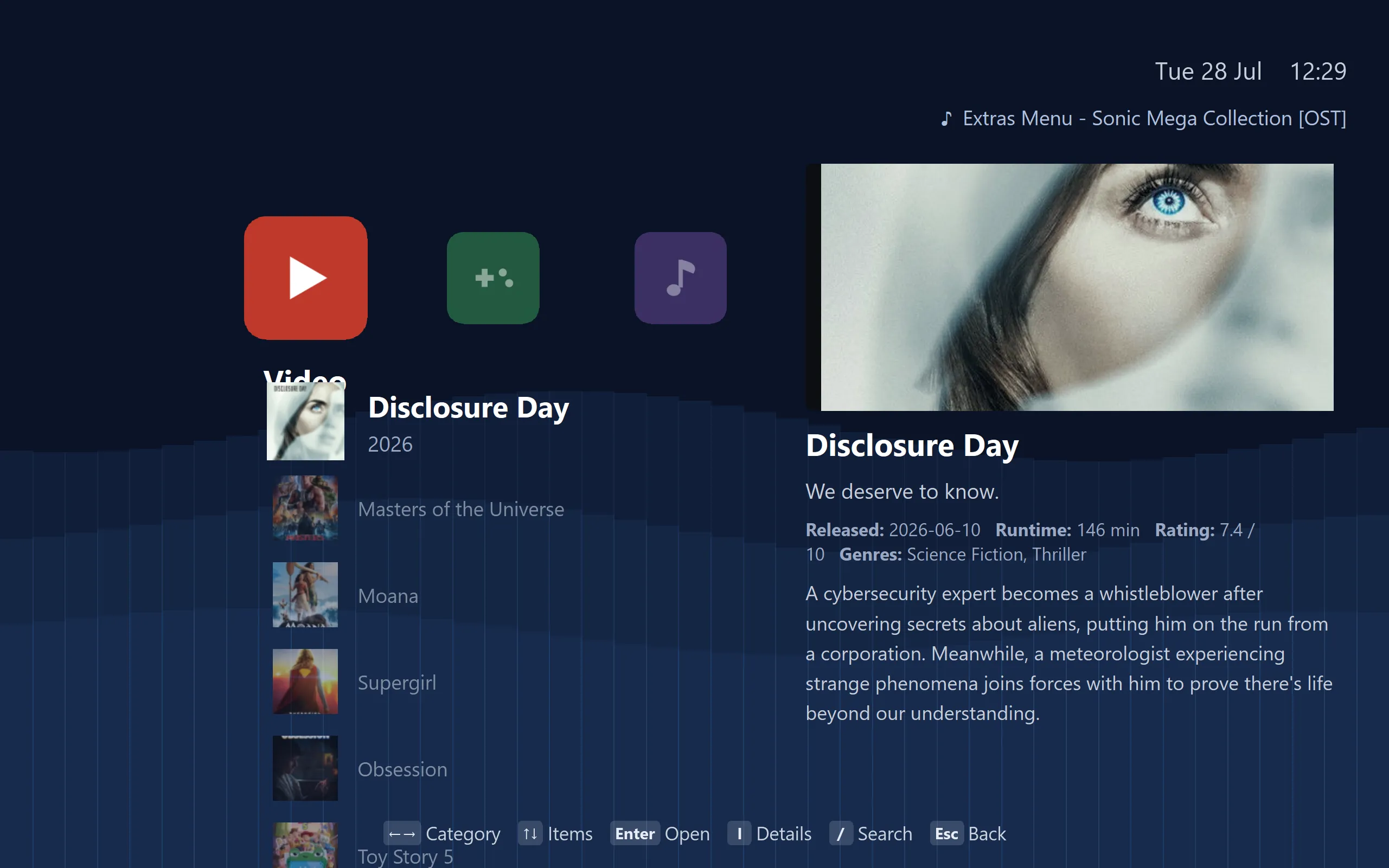
Games
Sixty-three systems, nothing to configure
Cores load straight into the application, so retro systems just run. For modern consoles the app fetches the established standalone emulator from its official source and sets it up for you. Four controllers, per-port remapping, rumble, save states and achievements.
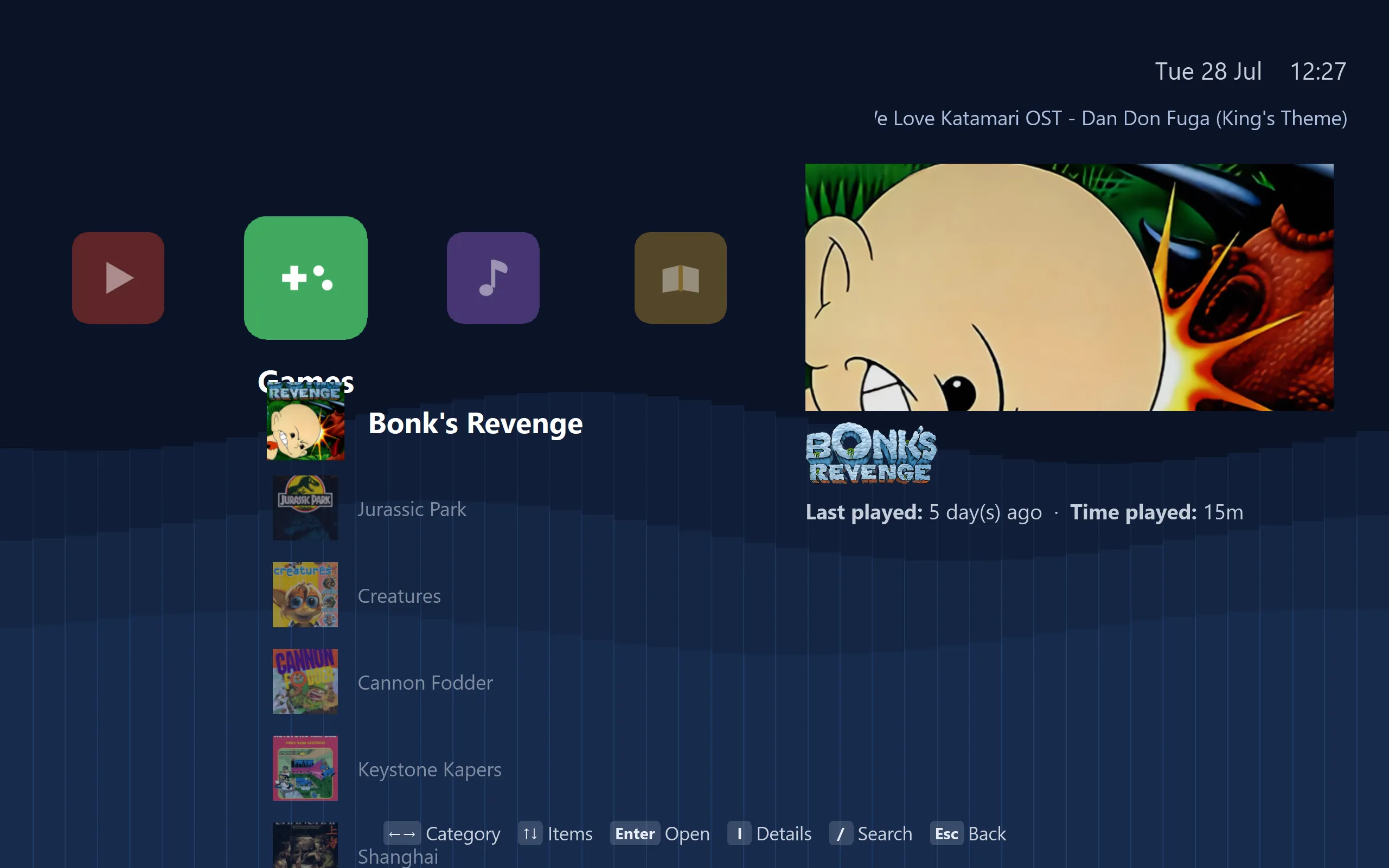
Music & audiobooks
A folder is a playlist
MP3, FLAC, OGG and the rest, with folder queueing, automatic advance, and cover art matched in for you. Audiobooks and podcasts sit in the same library and pick up where you stopped.
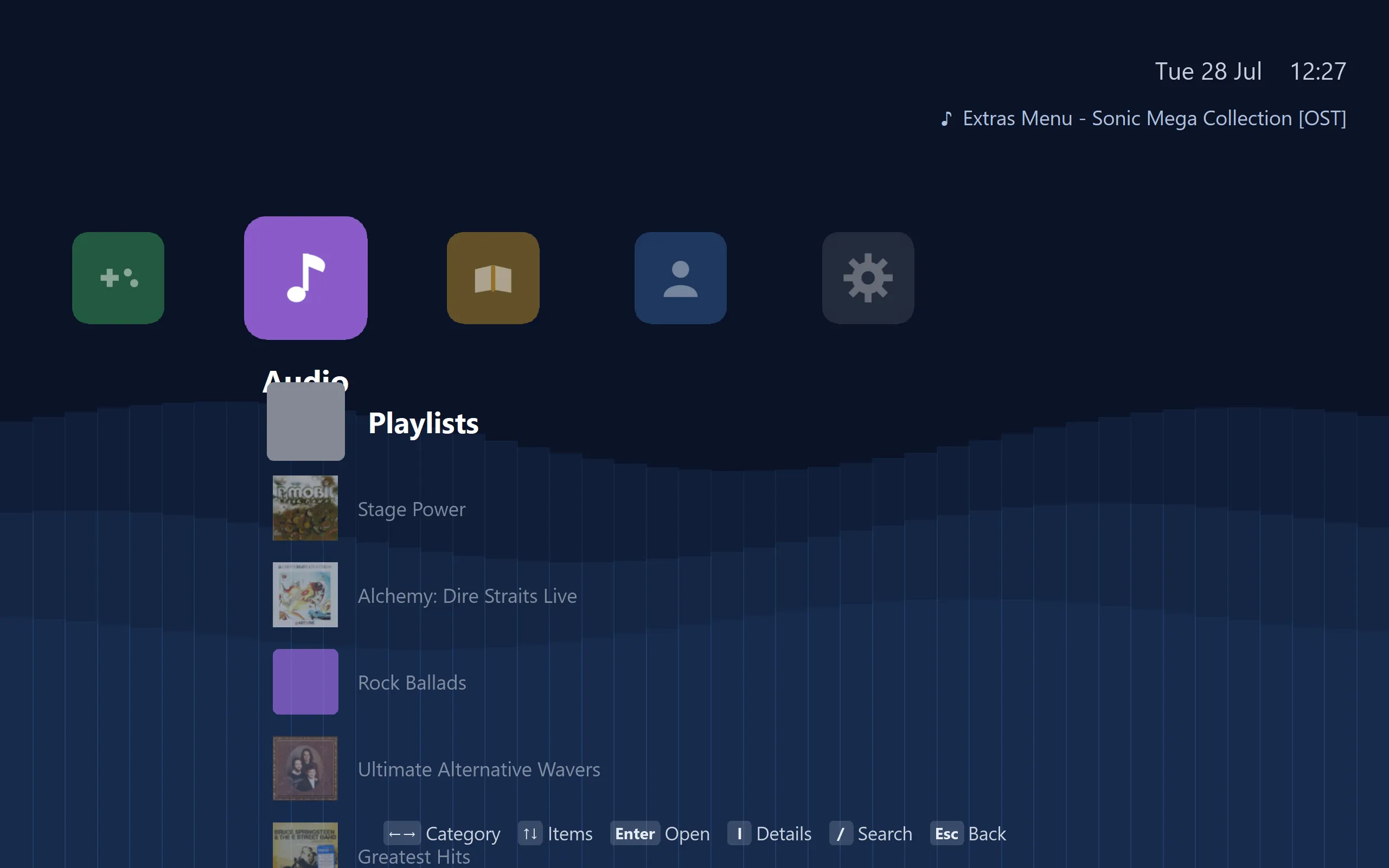
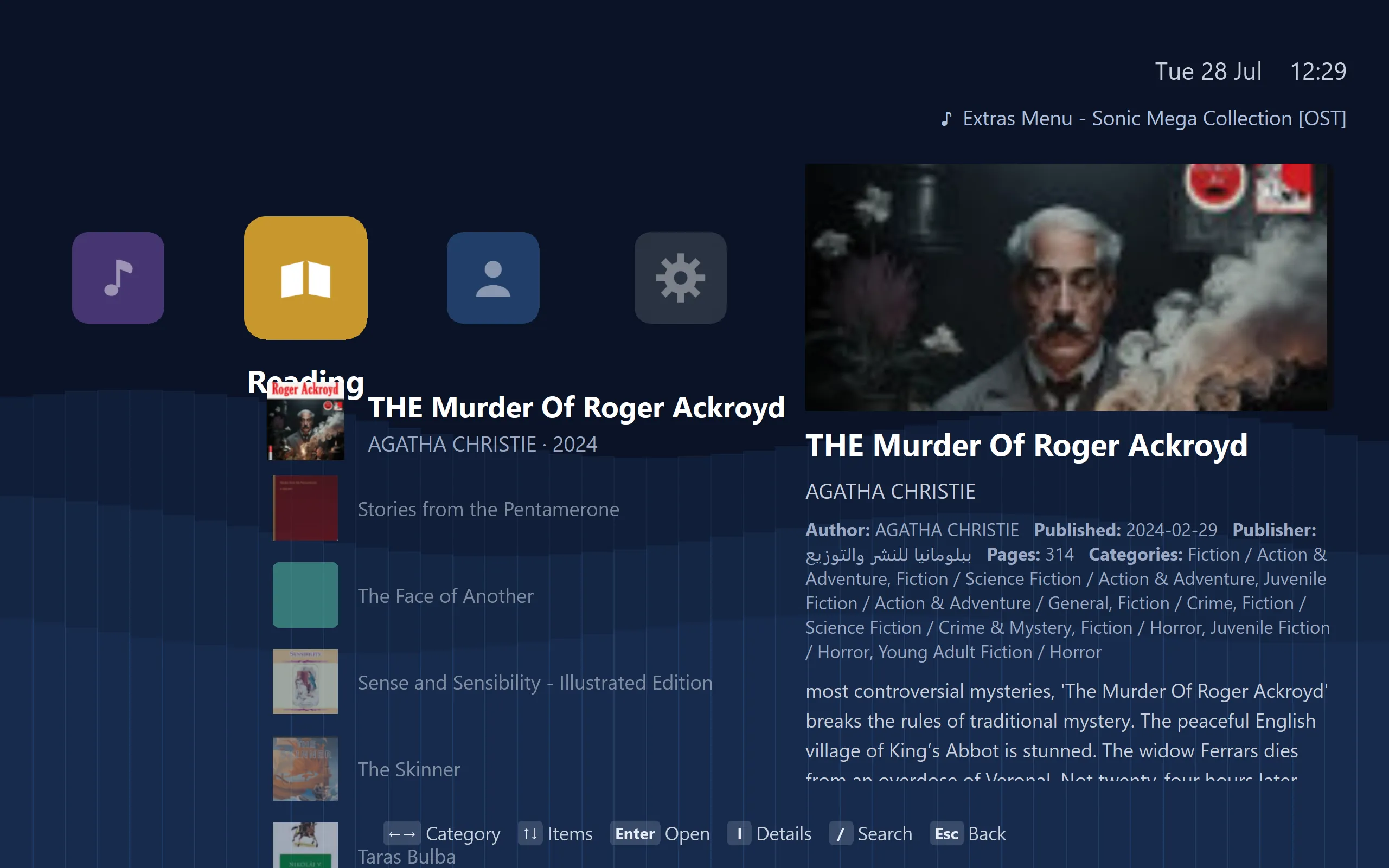
Reading
Books, comics, manga and PDFs
An EPUB reader that parses the spine and contents, a reader for CBZ and CBR comics and manga, and PDFs rendered by PDFium. Every one of them remembers your place.
Extensibility
Whatever ships is just the starting point
An addon can declare any catalog you like. Podcasts, live sports, magazines, lectures, concert recordings, your own archive — if you can write thirty lines of JavaScript that returns a list of things, it becomes a shelf in the library and behaves exactly like the ones built in: browsable, searchable, with artwork and drill-down.
Each addon runs in an isolated interpreter with an execution timeout, off the interface thread, so nothing an addon does can freeze the app. EverythingBox ships the engine, not the sources.
And you do not have to write one to benefit. The app has a built-in gallery that browses a public addon registry and installs from it in a couple of presses — a catalogue that grows as people build and share, and that gets curated as good work turns up. Point it at your own registry if you would rather keep a private set.
See how an addon is written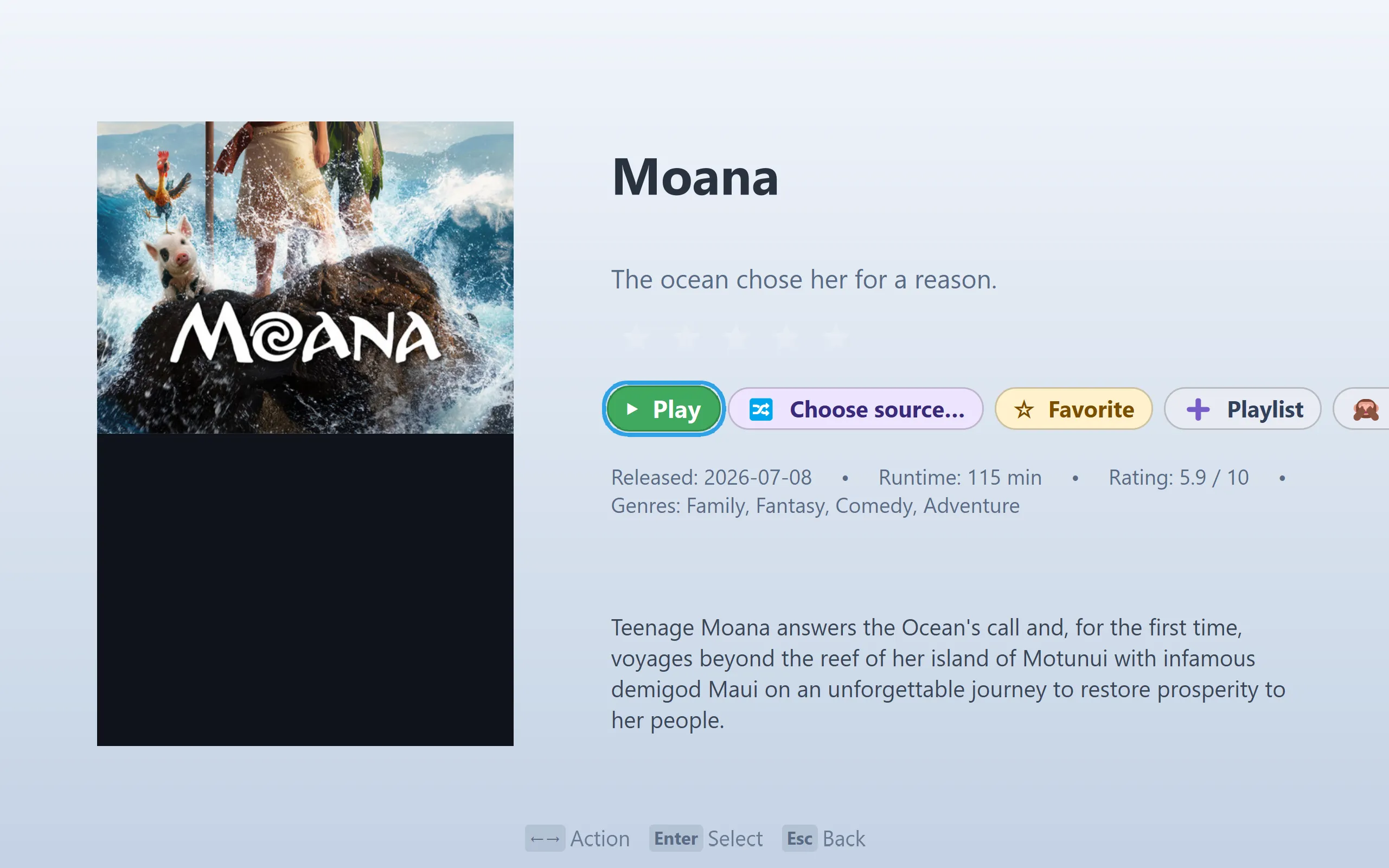
Themes
A different feel on every screen
The right interface for a phone is not the right interface for a gaming PC across the room. Run a big, poster-forward theme on the TV, something tighter and touch-friendly on your phone, and whatever you like on the desktop — each device its own, tuned to how you actually use it. The app already sizes itself to the screen it is on: TV enlarges text and controls for the couch, Mobile is built for touch.
What follows you is your library. Progress, saves and settings sync between your machines, so the film you paused on the TV is waiting on your phone — no matter how differently the two are dressed.
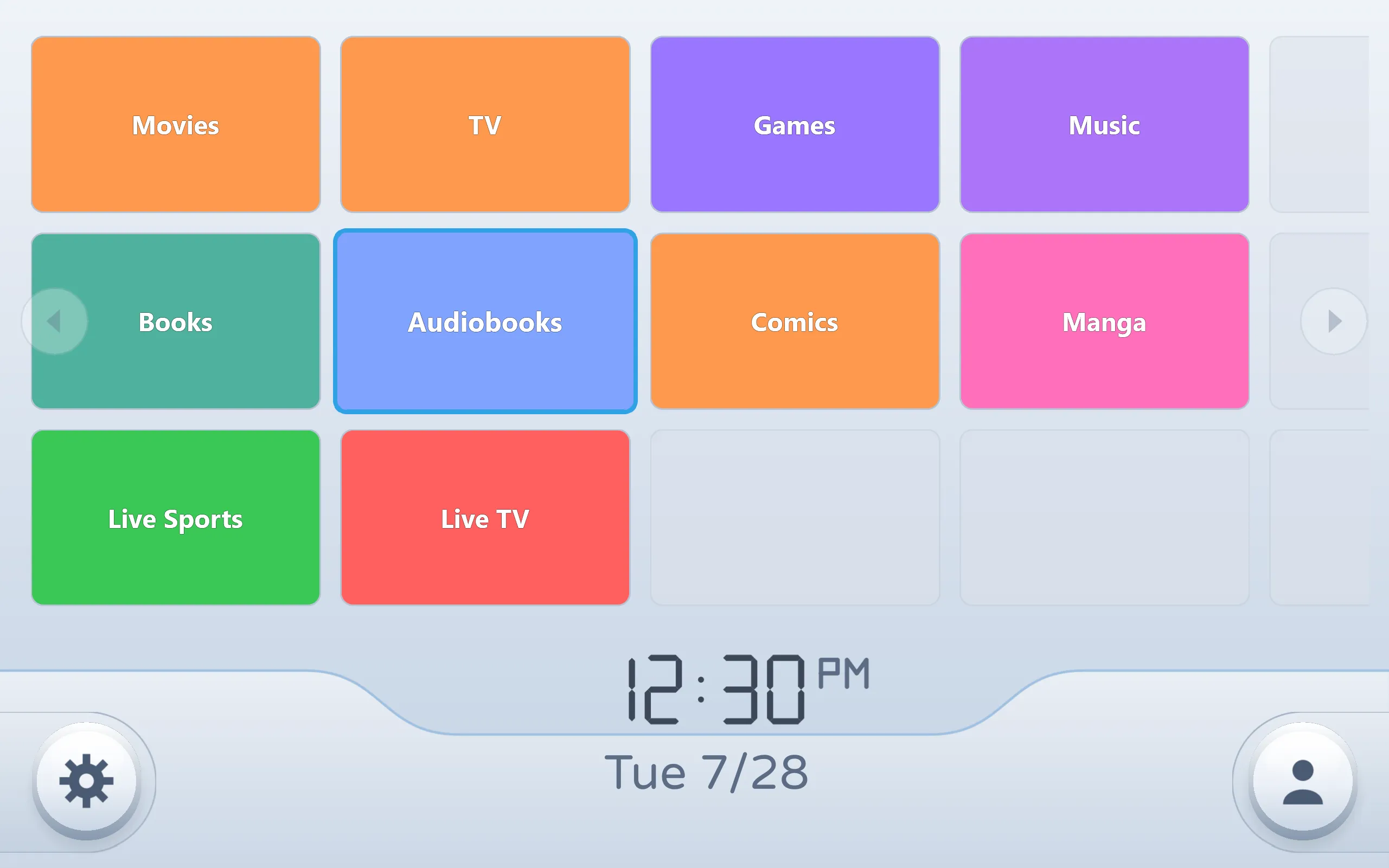
Channels
Your library as a wall of channels. Bright, high-contrast tiles, a clock, and everything one press away.
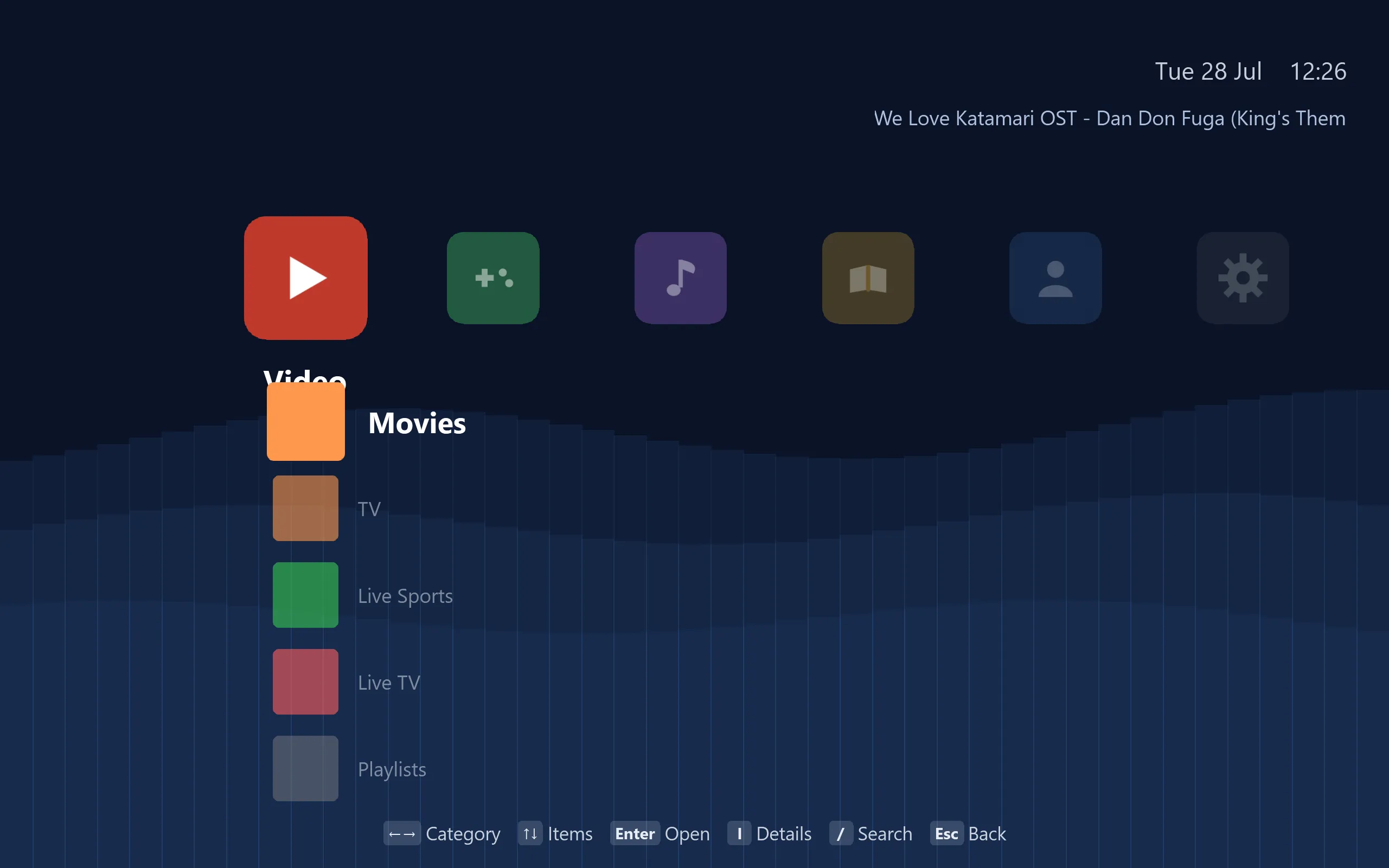
Triple
A dark cross-media bar. Categories run across, the active one drops down, and the artwork for whatever you are on fills the right.
Built by whoever turns up
Two themes ship with the app; the rest come from the community. There is a gallery built into the app — a small store for themes and addons — that installs them in a couple of presses. A theme is a JSON file describing colours, layout and artwork, so making one needs no compiler and no C++.
The catalogue grows as people build and share, and good work gets curated into the gallery. You can also point the app at your own registry and keep a private set, or share one with friends.
Community
Somewhere to ask
Most of what people need is not a bug report — setup problems, which core to use for a given system, help writing your first addon. Those are conversations, and an issue thread is a poor place to have one.
Discord
Setup problems, "is this supposed to happen?", which core to use, help writing an addon or theme. Ask in #support; #announcements carries every release.
r/EverythingBox
The same conversations, slower and searchable — better for a question whose answer the next person should find, and for showing off a setup, a theme or an addon.
GitHub
Reproducible bugs and feature proposals. The source, and every release.
Questions
Does it come with anything to watch or play?
No. EverythingBox is a player and a library. It ships no media, no games and no BIOS files — it plays what you already have and what you choose to connect it to.
Does it work on a television?
Yes. Every screen is navigable with a D-pad, and the Android build carries a TV launcher entry, so it works on Android TV devices, Shield and Google TV with a remote or a controller.
What does it cost?
Nothing. It is free software under the GPLv3 — you can use it, study it, change it and share it.
Do I need to convert or rename my files?
No. Video runs on libmpv, which plays essentially anything, and the library scans your folders in place without renaming or moving anything.
Get it
Windows, macOS, Linux, Android TV and iOS. Free, and always will be.
Download EverythingBox